

GitHub Copilot vs Cursor
Teams evaluating AI coding tools frequently compare GitHub Copilot and Cursor. Copilot fits GitHub-standardized enterprises wanting incremental AI assistance; Cursor fits teams optimizing for an AI-native editor with agentic workflows. Neither is designed as a confidential computing stack for classified or air-gapped environments.
Last updated: 2026-05-22
| Compare features | GitHub Copilot | Cursor |
|---|---|---|
| Product shape | ||
| Primary experience | AI coding assistant integrated into GitHub and popular IDEs | AI-native IDE for fast cloud-based development |
| AI-native IDE (built for agents) | IDE extensions + GitHub | |
| Deep GitHub integration | Limited | |
| Agentic multi-file workflows | Growing | |
| Enterprise & procurement | ||
| Microsoft/GitHub enterprise agreement path | Separate vendor | |
| Works inside existing IDEs | Cursor editor primarily | |
| Individual developer velocity | ||
| Security posture (both) | ||
| Hardware-protected TEE sandboxes | ||
| Cryptographic attestation & audit trails | ||
| Air-gapped deployment | ||
| Customer code not used to train vendor models | Policies vary; cloud inference | Cloud IDE; proprietary model improvement (e.g. Composer) |
| Product shape | |
|---|---|
| Primary experience | AI coding assistant integrated into GitHub and popular IDEs |
| AI-native IDE (built for agents) | IDE extensions + GitHub |
| Deep GitHub integration | |
| Agentic multi-file workflows | Growing |
| Enterprise & procurement | |
| Microsoft/GitHub enterprise agreement path | |
| Works inside existing IDEs | |
| Individual developer velocity | |
| Security posture (both) | |
| Hardware-protected TEE sandboxes | |
| Cryptographic attestation & audit trails | |
| Air-gapped deployment | |
| Customer code not used to train vendor models | Policies vary; cloud inference |
| Product shape | |
|---|---|
| Primary experience | AI-native IDE for fast cloud-based development |
| AI-native IDE (built for agents) | |
| Deep GitHub integration | Limited |
| Agentic multi-file workflows | |
| Enterprise & procurement | |
| Microsoft/GitHub enterprise agreement path | Separate vendor |
| Works inside existing IDEs | Cursor editor primarily |
| Individual developer velocity | |
| Security posture (both) | |
| Hardware-protected TEE sandboxes | |
| Cryptographic attestation & audit trails | |
| Air-gapped deployment | |
| Customer code not used to train vendor models | Cloud IDE; proprietary model improvement (e.g. Composer) |
Two strong options—different defaults.
Copilot and Cursor both assume cloud AI development workflows. This section helps you pick between them honestly—before considering whether your threat model requires something else entirely.
GitHub Copilot
When GitHub Copilot fits
- Teams standardized on GitHub seeking incremental AI assistance
- Organizations already in Microsoft/GitHub enterprise agreements
- Developers who want completions inside existing IDEs without changing stack
Cursor
When Cursor fits
- Teams whose security review accepts cloud AI IDE workflows
- Developers optimizing for individual velocity over stack-wide attestation
- Startups and product teams without classified or regulated data constraints
When neither fits: regulated teams choose Orgn
If your evaluation started with Copilot vs Cursor but security or procurement blocked both, the gap is usually confidential computing—not features. Orgn provides hardware-backed isolation, attestation, governed model routing, and air-gapped deployment as a purpose-built stack.
| Compare features | Orgn | GitHub Copilot | Cursor |
|---|---|---|---|
| Regulated-team requirements | |||
| Hardware-protected TEE sandboxes | |||
| Cryptographic attestation & audit trails | |||
| Air-gapped deployment | |||
| 250+ TEE and ZDR models via Gateway | |||
| Regulated-team requirements | |
|---|---|
| Hardware-protected TEE sandboxes | |
| Cryptographic attestation & audit trails | |
| Air-gapped deployment | |
| 250+ TEE and ZDR models via Gateway | |
| Regulated-team requirements | |
|---|---|
| Hardware-protected TEE sandboxes | |
| Cryptographic attestation & audit trails | |
| Air-gapped deployment | |
| 250+ TEE and ZDR models via Gateway | |
| Regulated-team requirements | |
|---|---|
| Hardware-protected TEE sandboxes | |
| Cryptographic attestation & audit trails | |
| Air-gapped deployment | |
| 250+ TEE and ZDR models via Gateway | |
When to choose Orgn instead of both
- You need cryptographic attestation that workloads ran in approved environments.
- Source code, prompts, and agent outputs must stay inside a confidential boundary.
- You route across TEE and zero-data-retention models with enterprise policy controls.
- You deploy in private, sovereign, or air-gapped environments.
- Security review blocked cloud AI assistants and you need a purpose-built confidential stack.
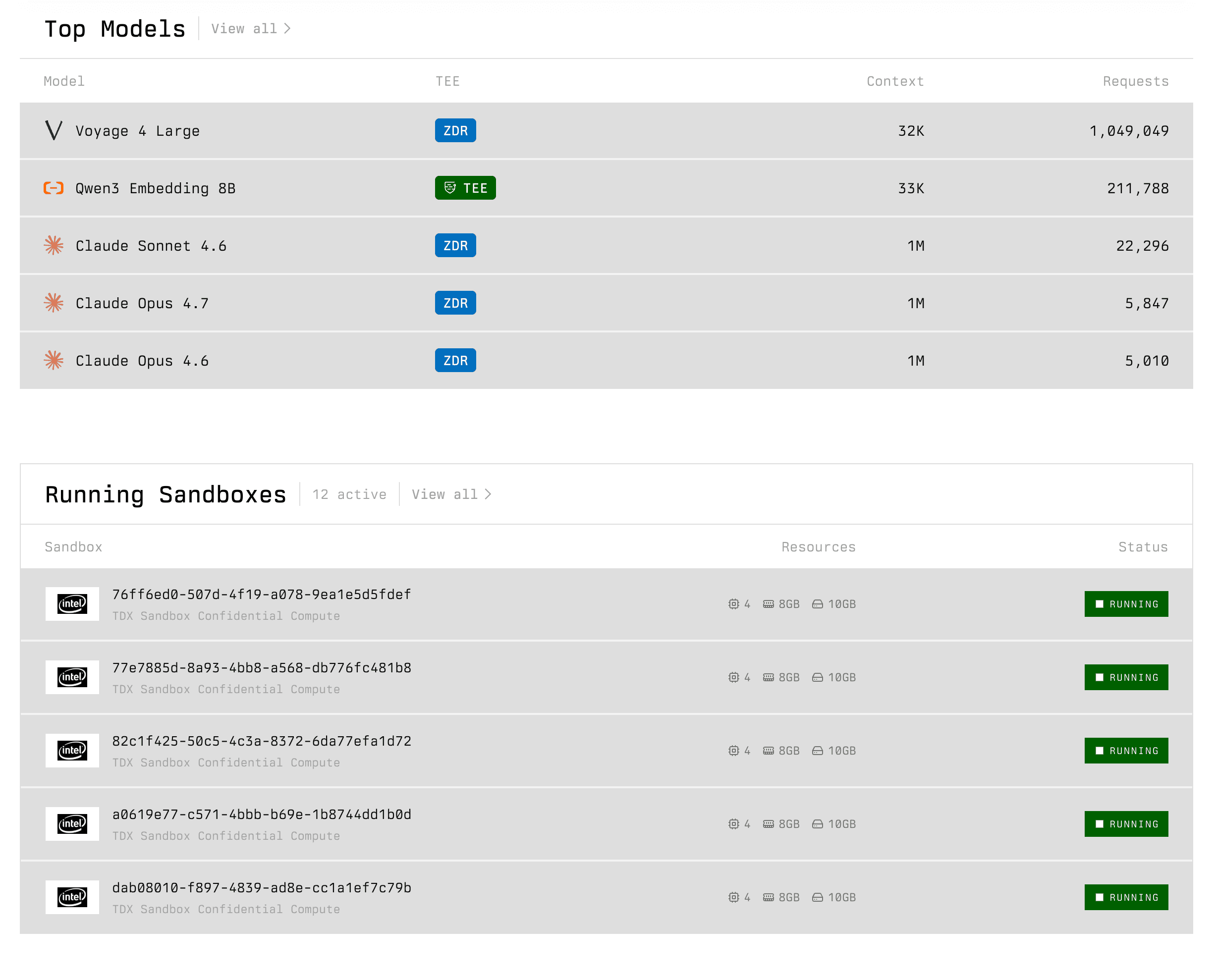
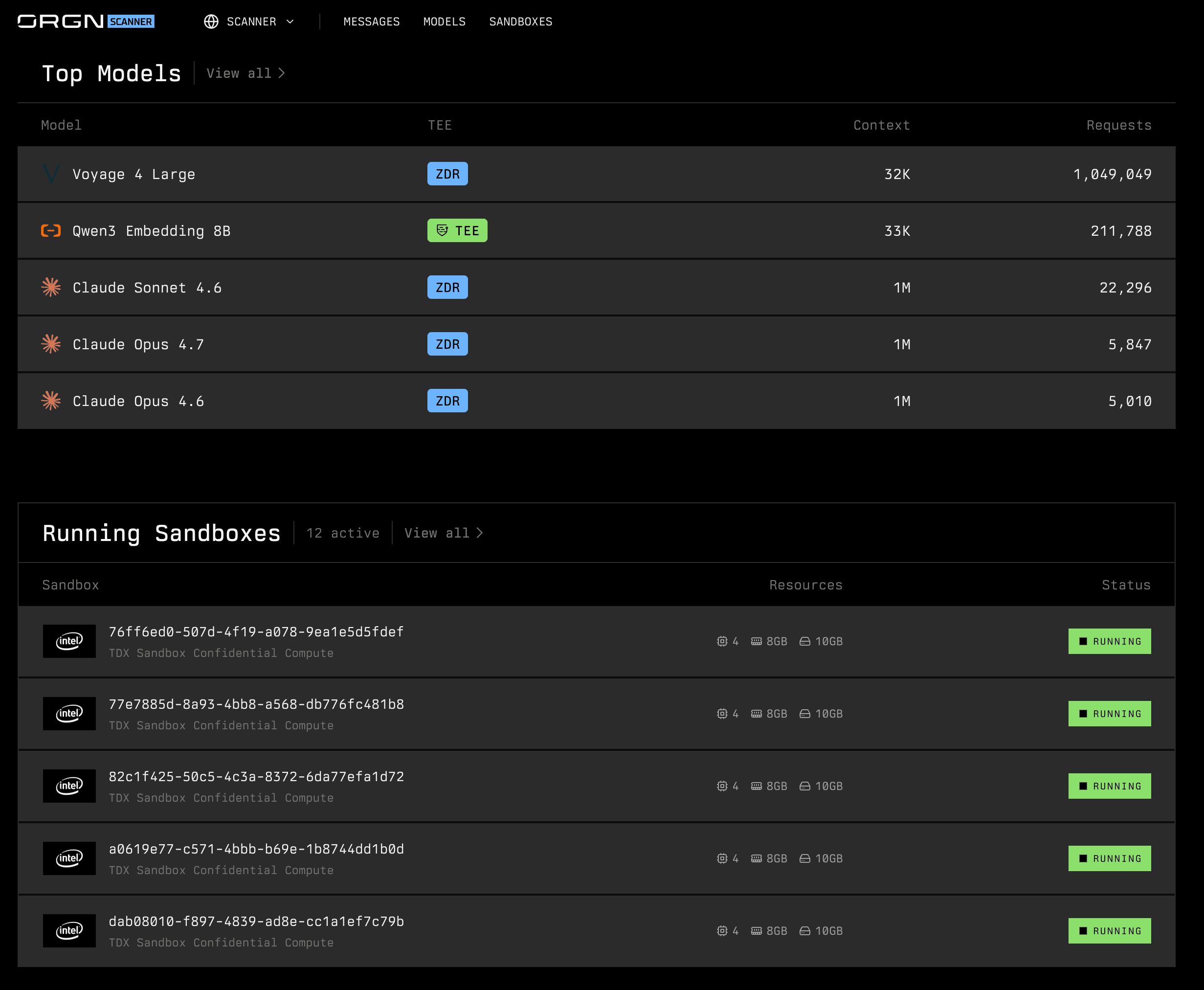
Confidential agentic stack
Gateway, CDE, Studio, Scanner, and Sandbox—built for teams that need attestation evidence and air-gap deployment, not just a better cloud IDE.
GitHub Copilot vs Cursor — AI Coding Tools Compared for Enterprise Teams — common questions
Answers for teams comparing Copilot and Cursor—and evaluating regulated alternatives.
Blocked on confidentiality or attestation?
See Orgn vs GitHub Copilot, Orgn vs Cursor, or Orgn pricing.